Contents
Buying Pro: plans, checkout and payment
How the free plan compares with Pro, what the plans cost, and the full flow for choosing a plan in the app, using points, paying with Alipay, checking your orders and redeeming activation codes.
The screenshots here are from the iPhone and Mac apps. Android looks the same as iPhone, and Windows looks the same as Mac.
Free vs. Pro
| Free | Pro | |
|---|---|---|
| Daily connection time | 10 minutes (shared across devices) | Unlimited |
| Daily data | 500 MB | 100 GB |
| Servers | All servers | All servers |
| Devices | 1 | 3 |
| Always-on (phone) | — | ✓ |
| Smart routing & custom rules | ✓ | ✓ |
Every new account starts with a free 7-day Pro trial. When Pro expires you drop back to the free plan automatically, and your account and settings stay put. For how the free allowance is counted, see Free plan limits.
Plans and prices
| Plan | Price | Length | Notes |
|---|---|---|---|
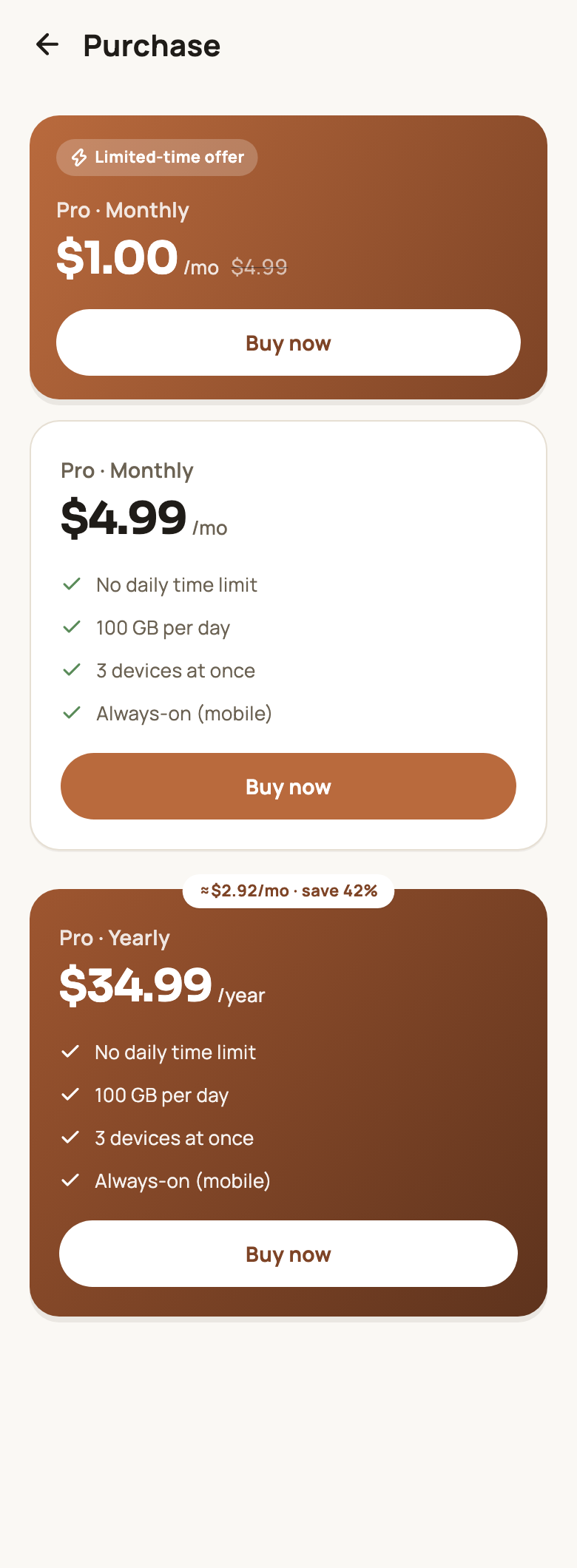
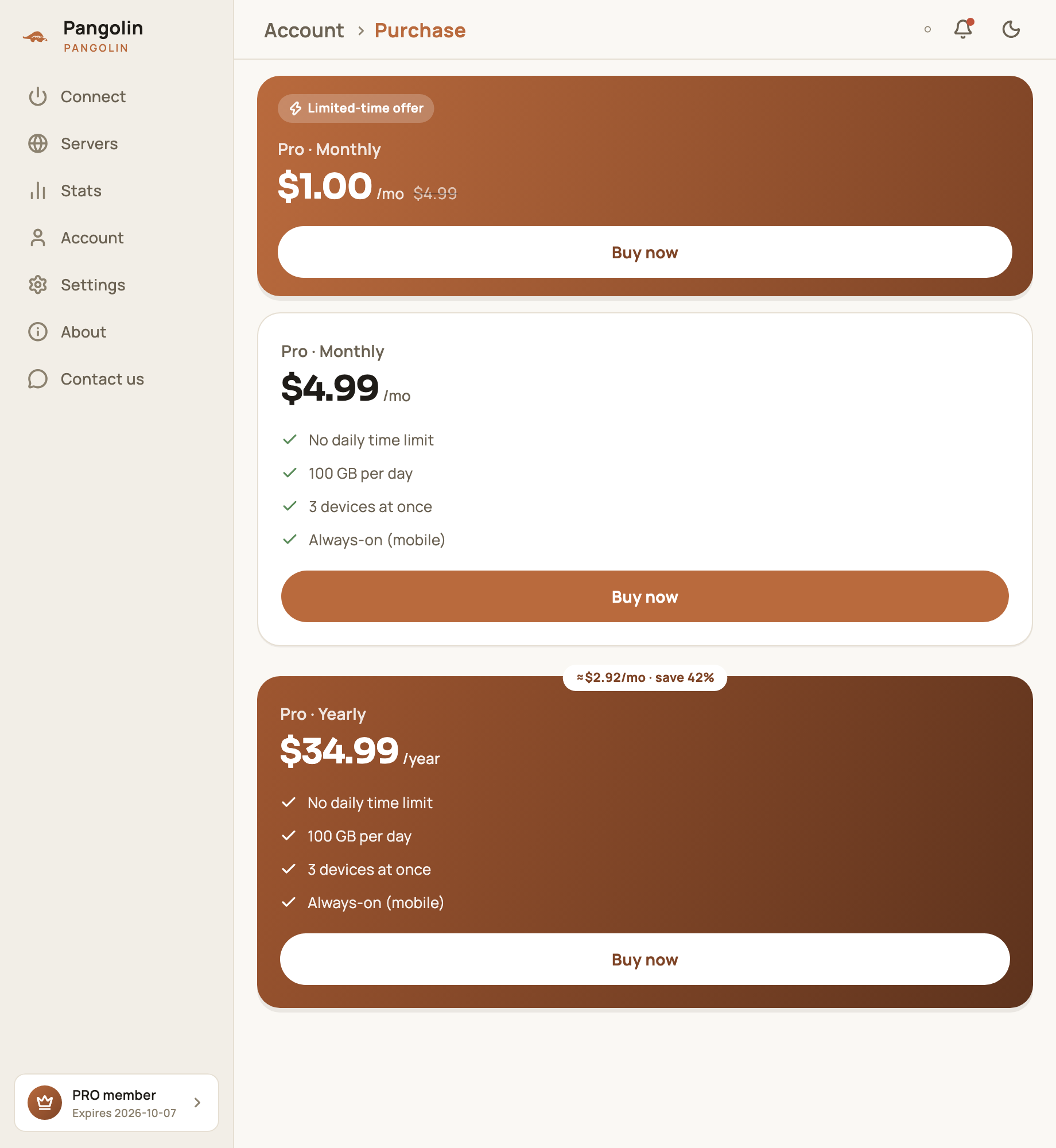
| First-month offer | $1.00 | 31 days | Once per account |
| Monthly | $4.99 | 31 days | |
| Yearly | $34.99 | 366 days | About $2.92 a month — 42% less than paying monthly |
Prices are in US dollars. If you pay with Alipay you’re charged in RMB; the payment page shows the exact amount.
Where to buy
- Phone: Account → Purchase;
- Desktop: Account in the sidebar → Purchase;
- Web: sign in to the User Center in your browser and buy there.
Checkout: payment method and points
Tap Buy now on the plan you want. The checkout panel opens:
- Payment method: Alipay;
- Redeem points (optional): if you have points, flip the switch to use them — 100 points = $1. The panel shows right away how much they cover and what’s left to pay. To earn points, see Points and invites;
- Referral code (optional): enter the invite code of the friend who referred you, and they get points worth 10% of what you pay for this order. Rebates are per order, so enter the code every time you buy — your friend only gets the rebate on orders that carry their code. If you didn’t enter an invite code when you signed up, entering one here also links you to that friend as their invitee;
- Check the Original price, the Points discount and what You pay, then tap Confirm & pay.
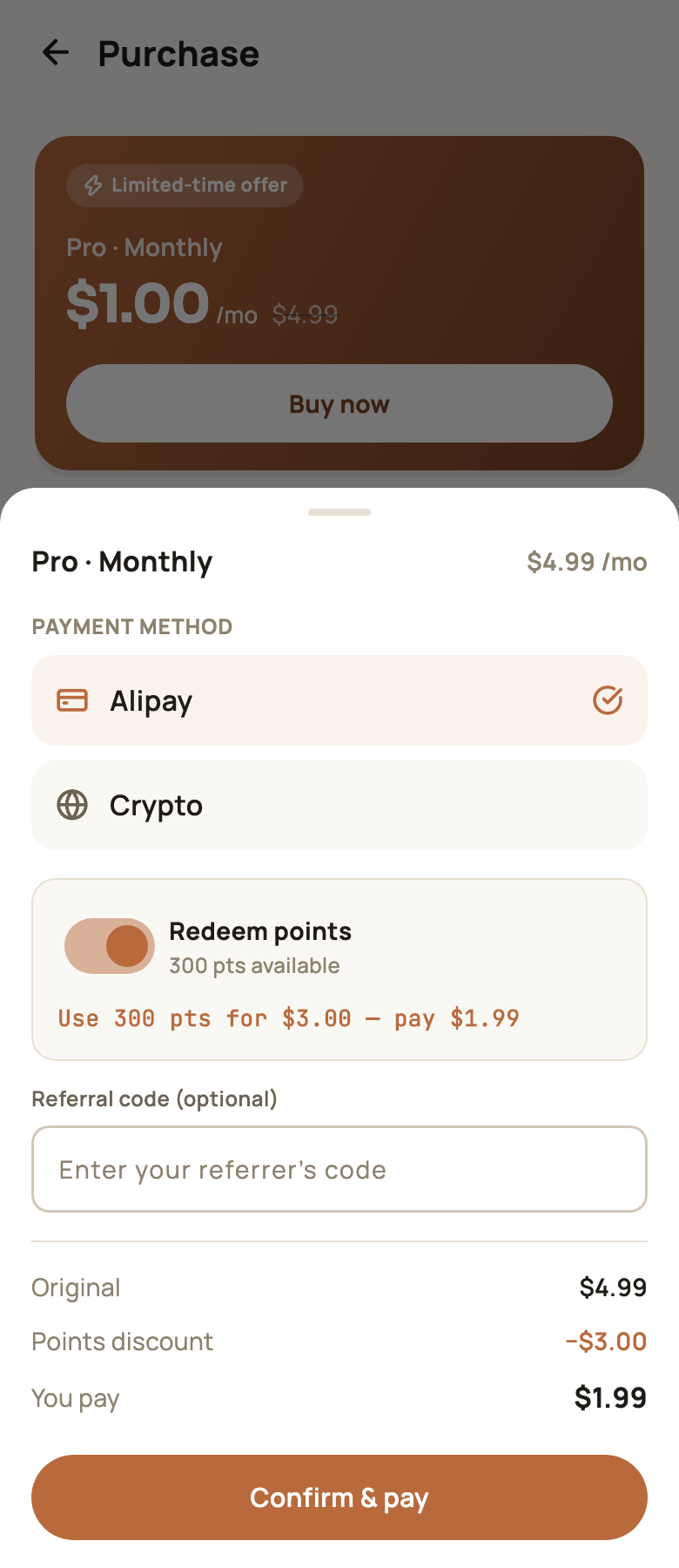
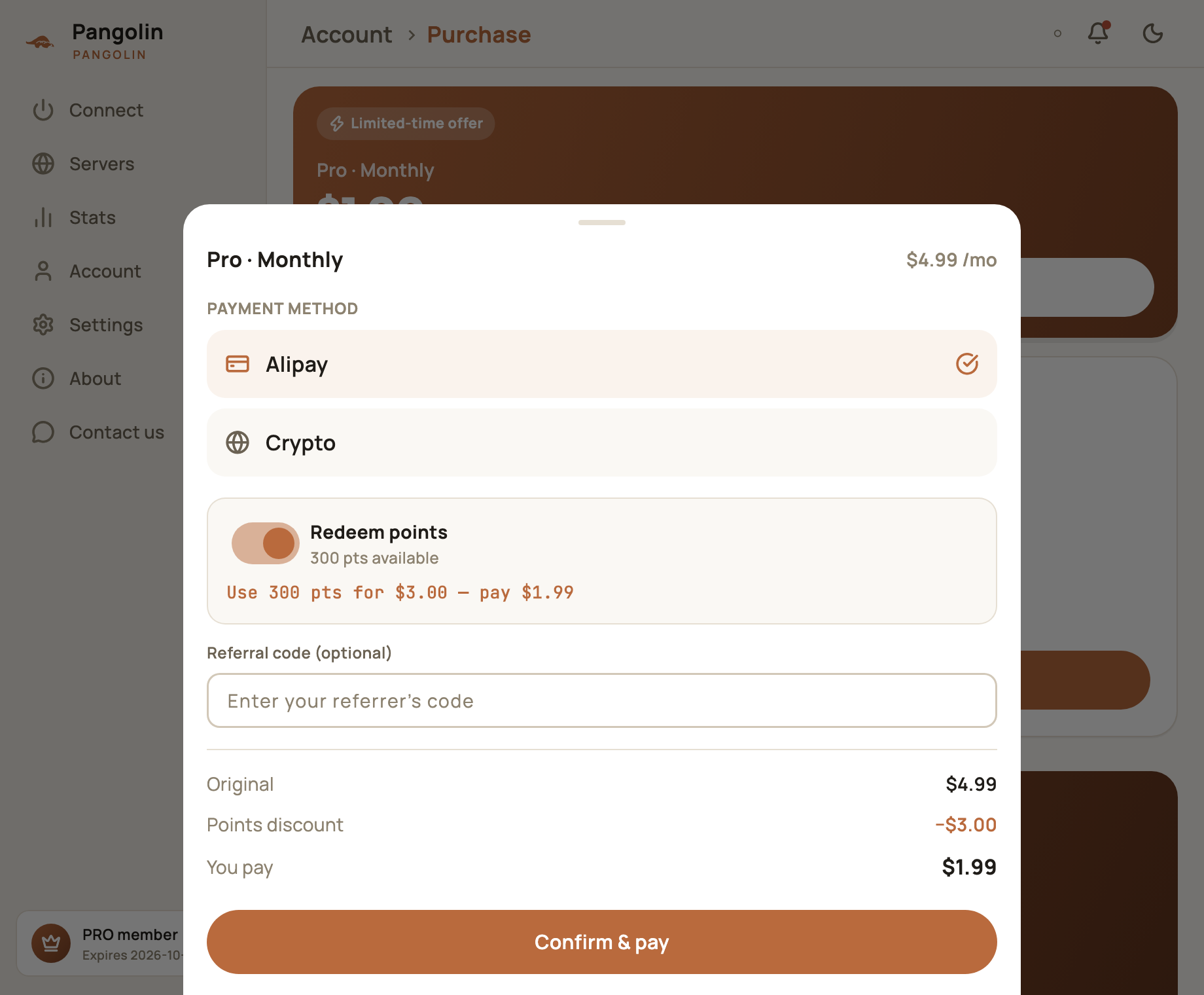
In the example above, the $4.99 Monthly plan uses 300 points to knock off $3.00, so you pay just $1.99. If your points cover the whole price, Pro is activated straight away with nothing more to pay.
Paying
Alipay
After you confirm, the payment page opens. Tap Pay with Alipay, finish paying in Alipay and come back to the app — the page refreshes automatically and shows that Pro is active.
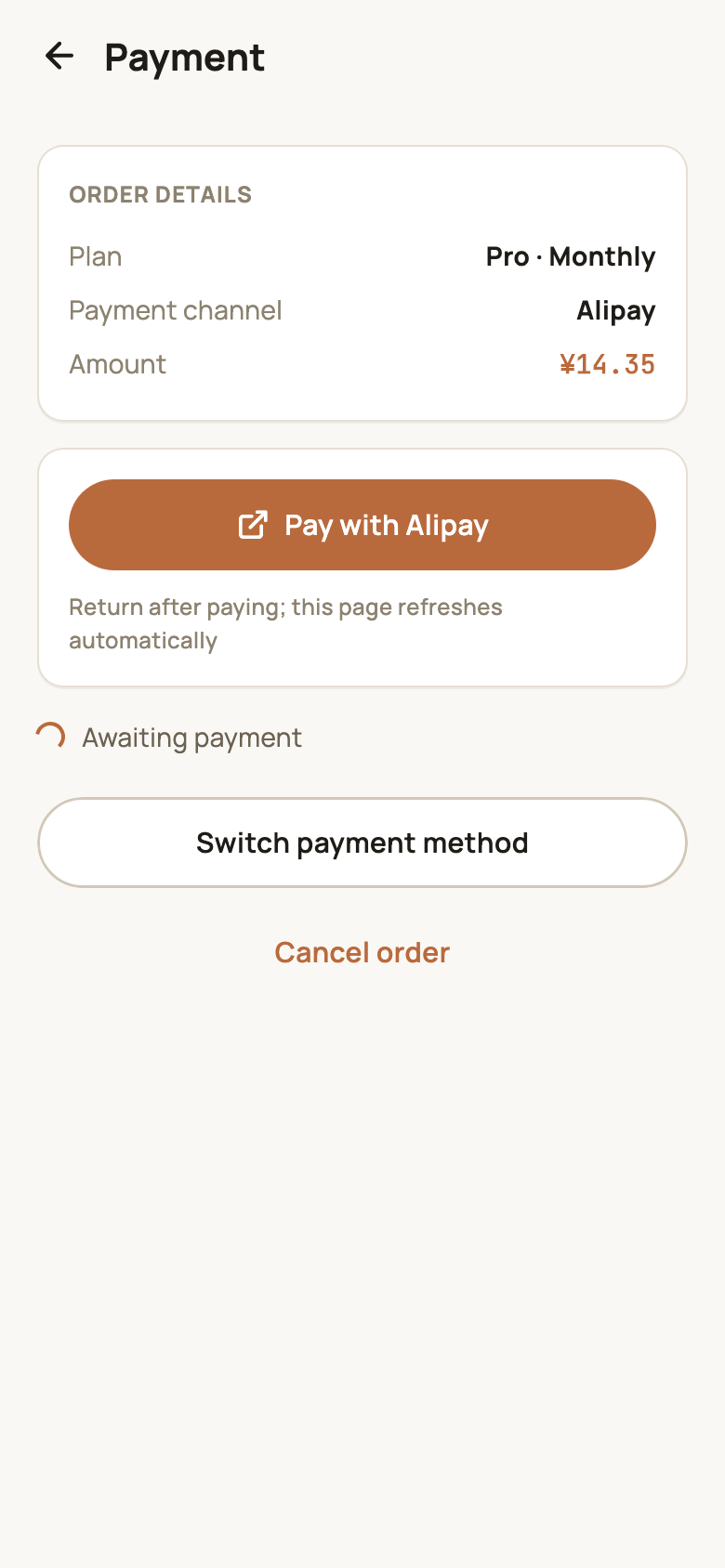
While you pay, the page shows Awaiting payment and updates once payment completes. If you haven’t paid yet, you can tap Cancel order.
Your orders
Account → My orders lists every order:
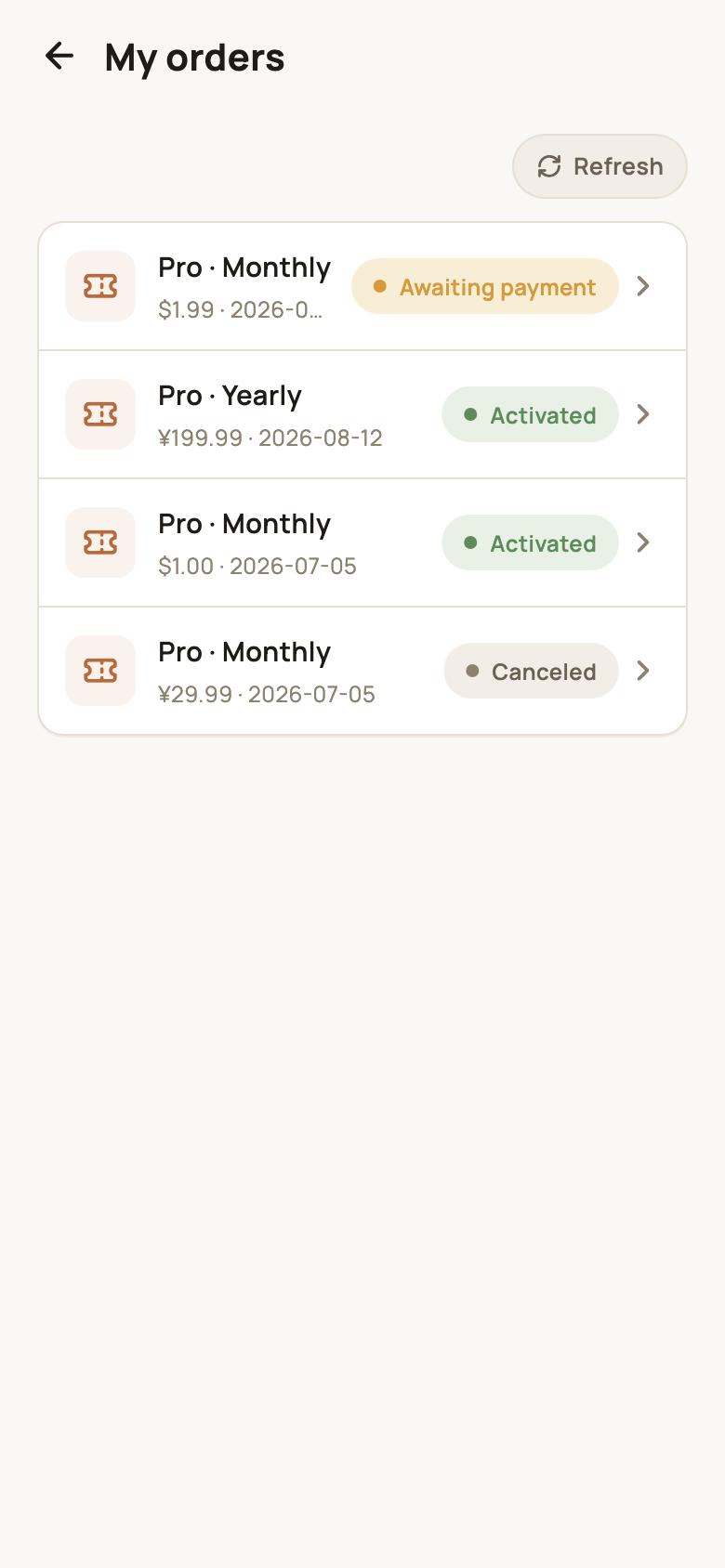
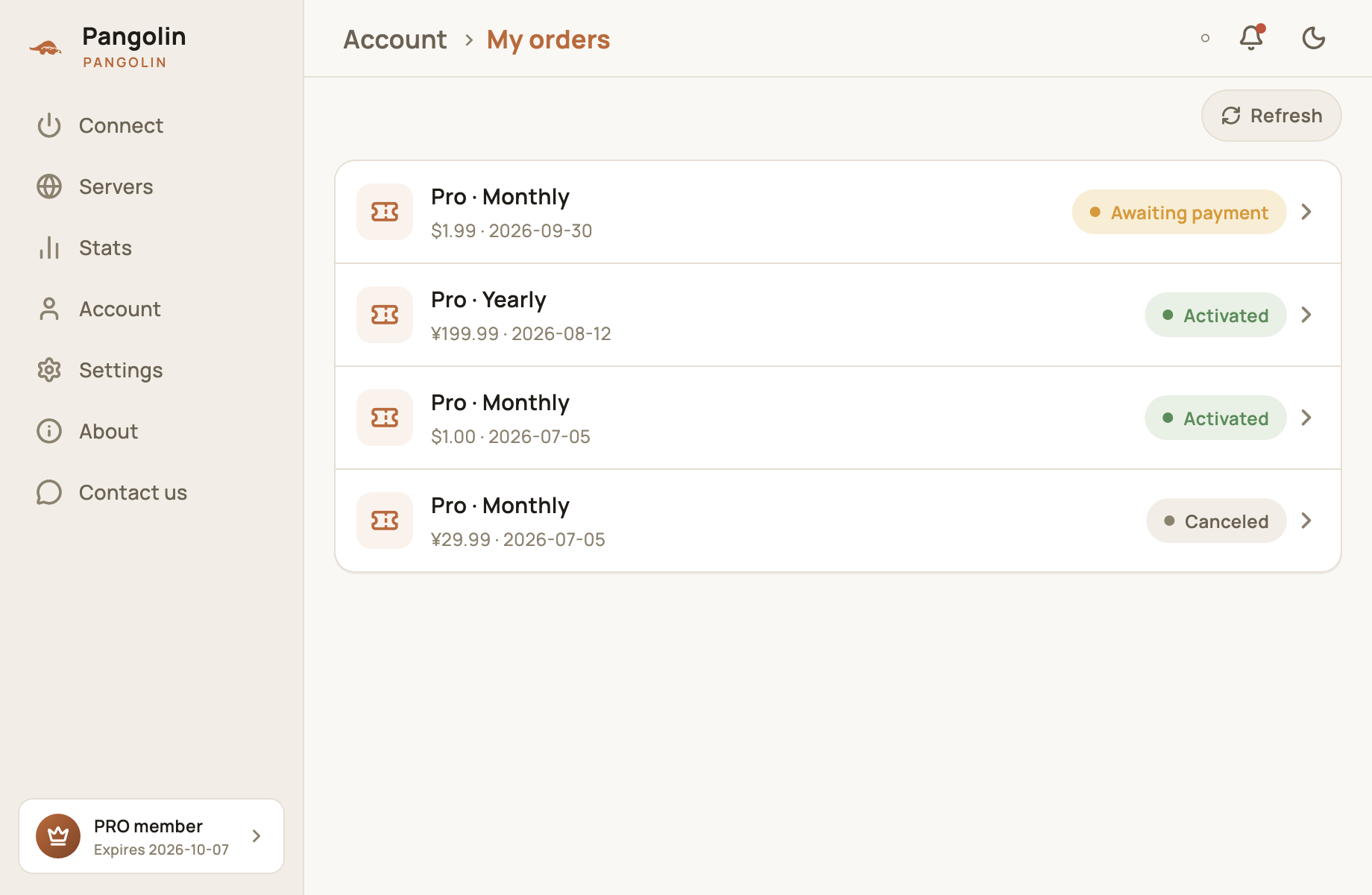
| Status | Meaning | What you can do |
|---|---|---|
| Awaiting payment | Order placed, payment not received yet | Open the order and tap Continue payment, or tap Refresh at the top |
| Activated | Paid — Pro is active | View the order details |
| Canceled | The order was canceled | Buy again |
| Expired | Not paid in time, so the order lapsed | Buy again |
If you’ve paid but the status hasn’t changed, tap Refresh first. If Pro still isn’t active, send us the order number through Contact us and we’ll sort it out quickly.
Redeem an activation code
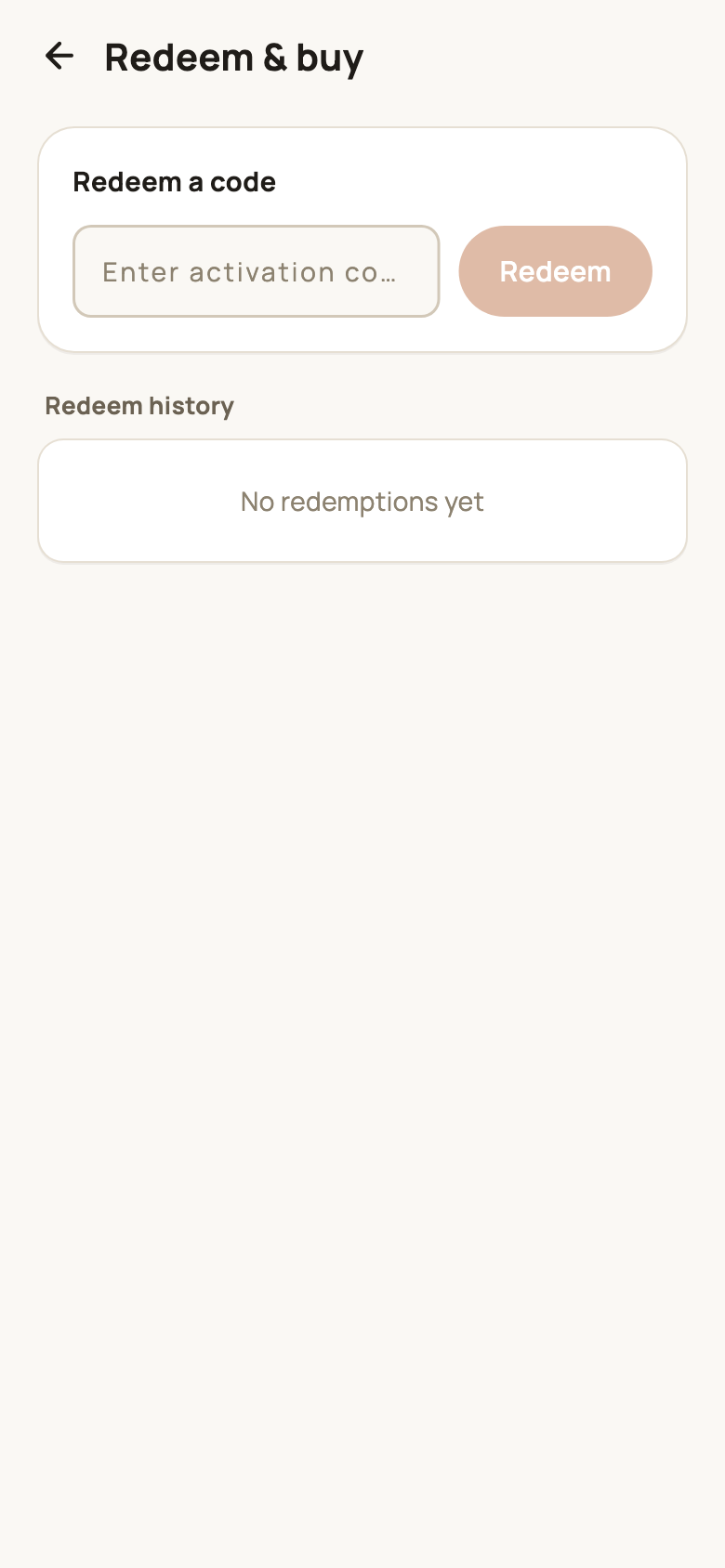
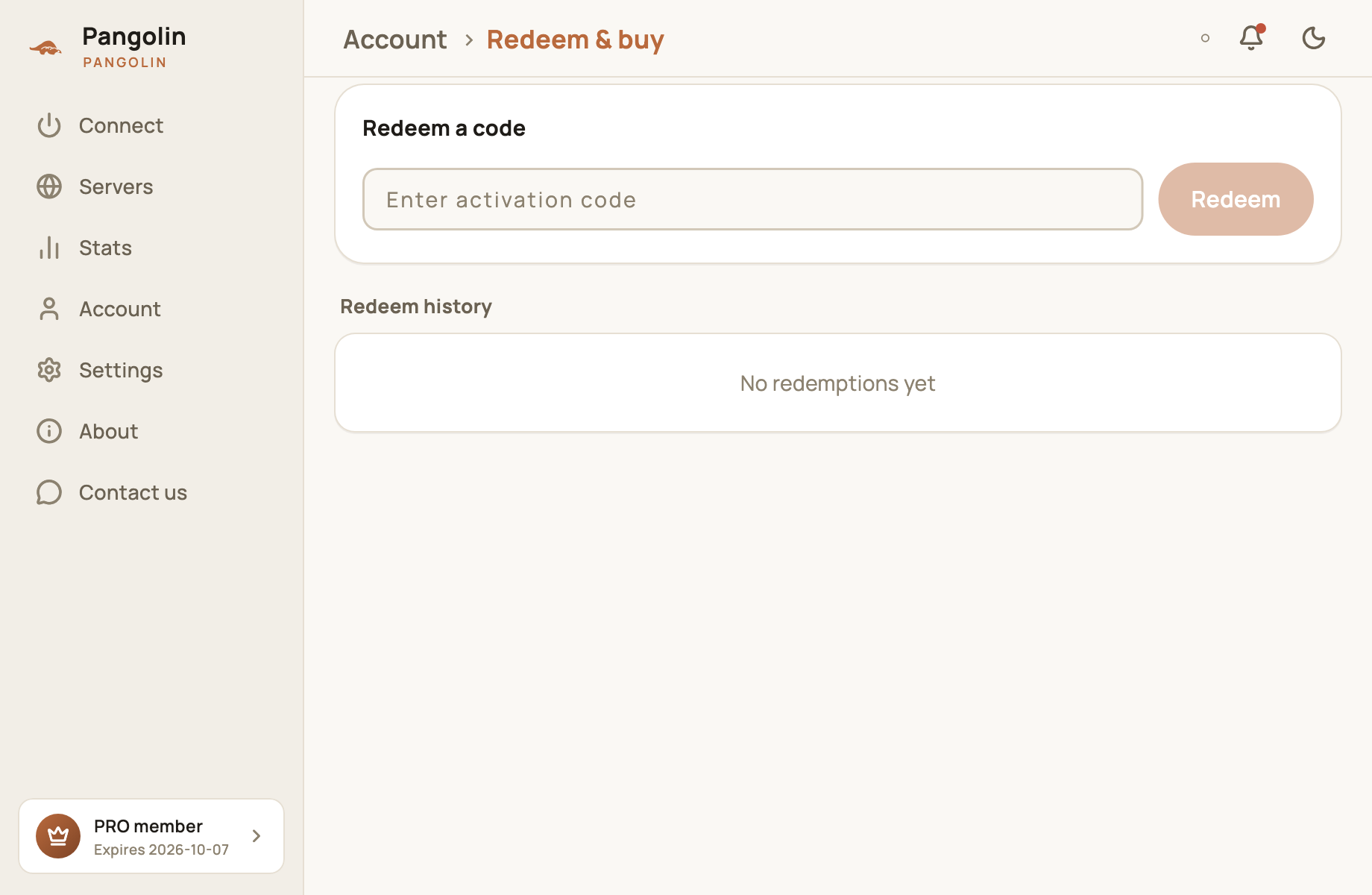
Got an activation code? Go to Account → Redeem, enter the code and tap Redeem. Redeem history below lists each code you’ve redeemed and how long it added.
Renewal and expiry
- Renewals stack: renewing, redeeming a code or earning an invite reward while Pro is still active adds the time after your current expiry date, so no days are wasted;
- Where to see your expiry date: at the top of the Account screen, or on the membership card in the bottom-left corner of the desktop app;
- When it expires: you go back to the free plan (10 minutes a day). Buy again any time to get Pro back.
For refunds, see our Refund policy.
FAQ
If I renew before my membership ends, do I lose the remaining days?
No. Renewals, activation codes and invite rewards are all added on top of your current expiry date, so you keep every remaining day.
How soon is Pro activated after I pay?
With Alipay, the app refreshes automatically when you return from paying.
Do I need to enter the referral code every time I buy?
Yes. Point rebates are paid per order, based on the referral code entered on that order. Entering an invite code when you signed up doesn't carry over to later purchases — fill in the Referral code field each time you check out.
How many times can I buy the first-month offer?
Once per account.
Can I pay by credit card or Apple Pay?
Not yet. We currently accept Alipay. Credit / debit cards, Apple Pay and Google Pay aren't available yet.
Don't have Pangolin yet?
Available for iPhone / iPad, Mac, Windows and Android. New accounts get a free 7-day Pro trial.
Download the app