Contents
Can't Open YouTube? How to Watch in HD and Fix Common Problems
Why YouTube is blocked in some regions, how to watch it on a computer, phone or TV, how to fix buffering and low resolution, plus YouTube Premium, downloads and comments that won't load.
YouTube is blocked in some regions — on those networks, youtube.com simply never loads. To watch it, you need a VPN with a stable, fast connection to an overseas server. Once you’re connected, the website and the official apps work as normal on both computers and phones. For HD playback, what matters is the connection’s bandwidth and latency, not just whether the page opens.
Why is YouTube blocked in some regions?
YouTube is owned by Google, and almost all Google services — Search, Gmail, YouTube, Google Play — are blocked in those regions. You’ll typically see:
- The page spinning, then “This site can’t be reached” or “Connection reset”;
- The mobile app saying there’s no internet connection;
- Sometimes part of the home page loads, but thumbnails and videos never do.
It has nothing to do with how fast your home broadband is — you can only get through via an overseas connection.
Watching on a computer, phone or TV
Computer
The simplest option: connect to the VPN and open youtube.com in any browser — Chrome, Edge, Safari or Firefox. No extensions needed.
Phone
- iPhone / iPad: the official YouTube app isn’t in some regions’ App Stores, so you’ll need an Apple ID from another region to download it. Or just open
youtube.comin Safari — it works nearly as well as the app; - Android: the YouTube app depends on Google Play services, which many phones don’t come with. Installing it anyway often leads to crashes or sign-in failures, so using the mobile website is usually the easier route.
TV
Smart TVs and streaming boxes sold in those regions generally don’t come with YouTube, and the TV’s own network can’t reach it either. The most reliable workaround is to connect a computer to the TV with an HDMI cable and play videos on the computer. Pangolin doesn’t currently have a TV app.
Fixing buffering and low resolution
YouTube adjusts the resolution to your connection speed. YouTube’s own recommendations for sustained bandwidth are roughly:
| Resolution | Recommended speed | Data per hour (approx.) |
|---|---|---|
| 480p (SD) | 1.1 Mbps | 0.5 GB |
| 720p (HD) | 2.5 Mbps | 1 GB |
| 1080p (Full HD) | 5 Mbps | 2–3 GB |
| 4K | 20 Mbps | 7 GB+ |
If you’re stuck at low resolution, it’s usually one of these:
- Evening congestion: international links get crowded between 8 pm and midnight local time, and speeds drop noticeably;
- High latency or packet loss: lost packets slow transfers down sharply, so a lower-latency server usually plays more smoothly;
- A locked resolution: check the player’s Settings → Quality in case it’s pinned to a low setting.
To see what your connection is actually delivering, right-click the player → Stats for nerds. The “Connection Speed” line shows your live bandwidth.
Watching YouTube with Pangolin
- Keep the proxy mode on Smart. YouTube and its video domains go through the VPN automatically, while local video sites and music apps stay direct and don’t slow down;
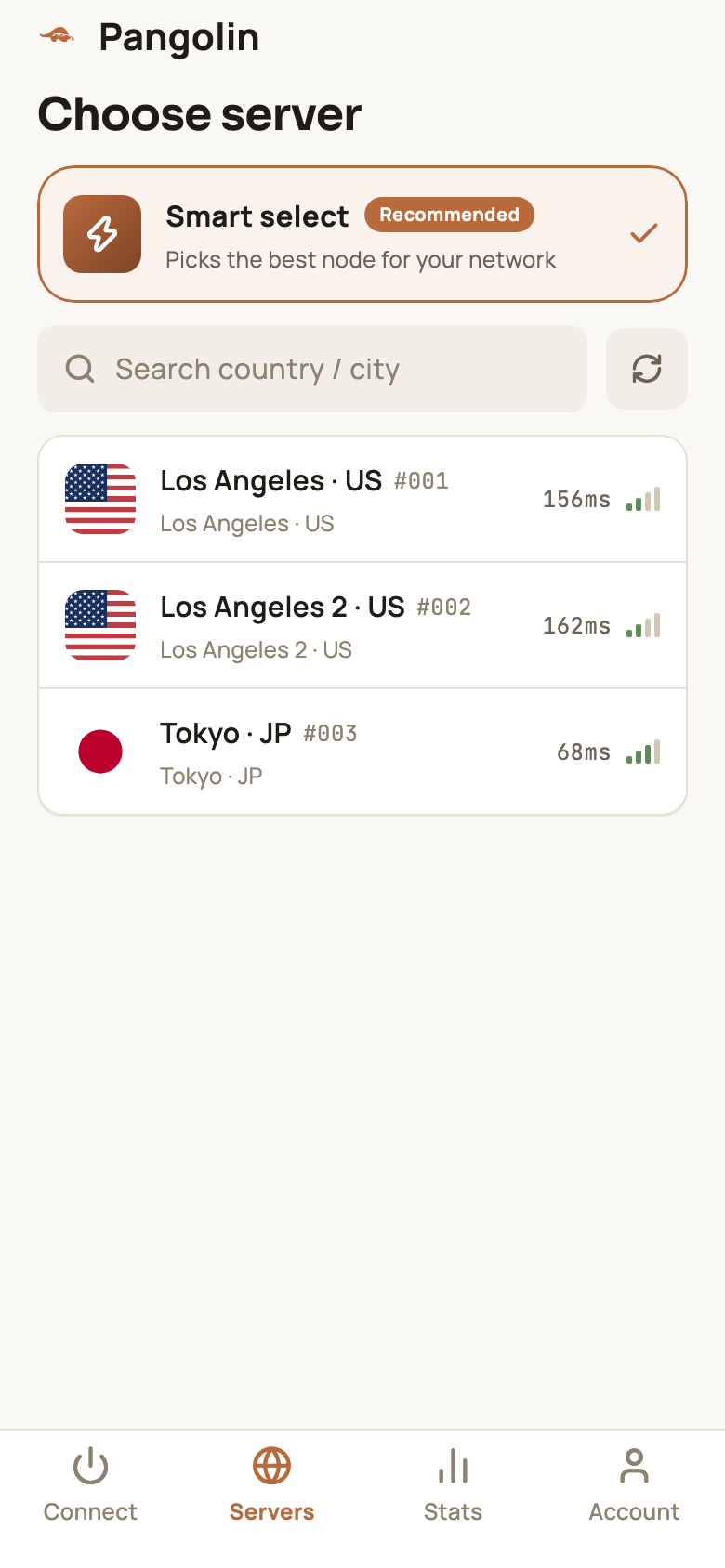
- Tap refresh in the server list and pick the server with the lowest latency. From East Asia, Tokyo is usually faster than the US and gives smoother playback;
- If a video says it’s “not available in your country”, it’s region-locked. Try a server in a different country.
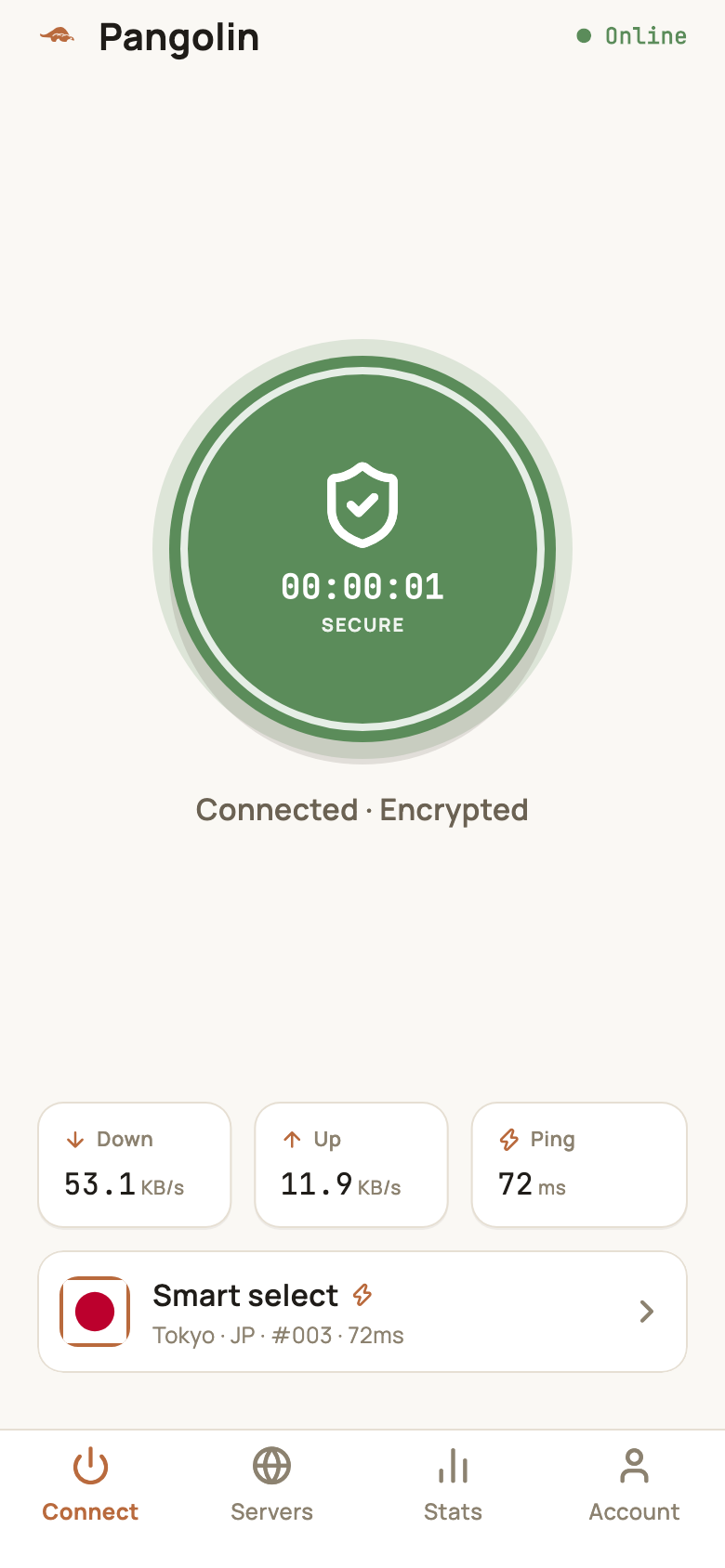
Video really needs Pro: the free plan includes only 10 minutes and 500 MB a day — one or two short clips and it’s gone. Pro has no time limit and 100 GB of data a day, which is plenty for HD. See Free plan limits.
YouTube Premium and regions
- YouTube Premium gives you ad-free playback, background play, offline downloads and YouTube Music;
- Premium is only offered in certain countries and regions — you need a valid payment method from a supported country to subscribe;
- Prices and features vary by country; check YouTube’s own pricing page;
- YouTube tailors the home page and some video availability to the country of your current IP. If you switch to a server in another country, your recommendations change language and content — that’s expected.
Comments, subtitles or thumbnails won’t load?
YouTube’s page, videos, images and comments all come from different domains (youtube.com, googlevideo.com, ytimg.com, googleapis.com and more). If only some parts fail to load, some of those domains probably aren’t going through the VPN:
- Temporarily switch the proxy mode to Global and reload the page;
- If everything works in Global mode, the problem is your routing rules — check My rules for anything sending Google domains direct;
- Switch back to Smart mode when you’re done.
See Custom routing rules for how rules are written and ordered.
Related reading
FAQ
Do I need a Google account to watch YouTube?
No. You can search and watch most videos without signing in. You only need an account to subscribe to channels, comment, keep your watch history, or watch age-restricted videos.
Can I download YouTube videos?
The official way is YouTube Premium, which lets you save videos for offline viewing inside the mobile app. Third-party downloaders break YouTube's terms of service and often come bundled with adware or malware.
How much data does an hour of YouTube use?
It depends on the resolution — roughly 0.5 GB at 480p, 1 GB at 720p, 2–3 GB at 1080p, and 7 GB or more in 4K. On a phone, Auto or 720p is a sensible setting.
Why does the home page load but videos just spin?
The video streams come from a different set of domains (like googlevideo.com). If those are going out directly instead of through the VPN, playback fails. Switch to Global mode to test — if it starts working, the problem is in your routing rules.
Don't have Pangolin yet?
Available for iPhone / iPad, Mac, Windows and Android. New accounts get a free 7-day Pro trial.
Download the app